
Built around one loop:
Capture → Organize → Find → Share
Forgotten Acre doesn't try to manage your farm. It makes sure the working knowledge you generate every day in the field is captured, findable, and yours.
The camera is always ready. No navigation required.
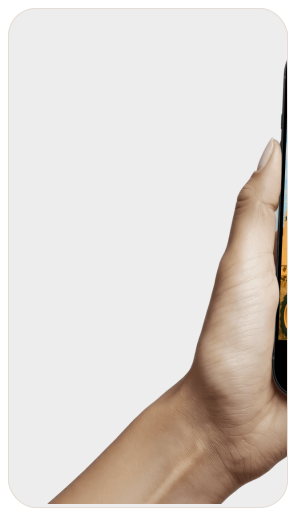
Every single launch opens directly to the in-app camera. Not the home screen. Not a menu. The camera. Take one photo or ten in burst mode. Every photo lands automatically in your Organize Later bucket — GPS-tagged and timestamped. Keep moving.
Edge cases handled: Offline capture stores locally and syncs when connectivity returns. Camera permission denied triggers a friendly explainer modal. Lock screen widget lets you launch the camera from the lock screen without unlocking your phone.
Sort when you have time. Not when you're in the field.
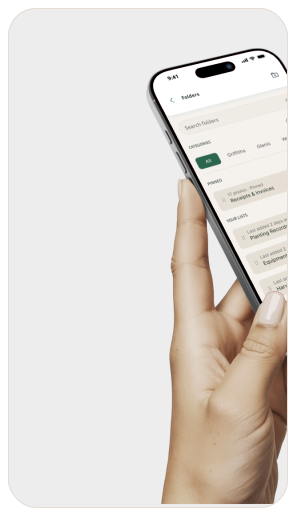
At the end of the day — or whenever you have clean hands and five minutes — open Organize Later. Drag photos into field folders or personal folders. Add a note to any photo: what you saw, what you fixed, what you need to remember. Notes are indexed alongside photos for search.
Edge cases handled: Photos stay in Organize Later until you move them. You can organize partially — assign some, leave others. Folders can be renamed. Photos can be in only one folder but also one personal folder. Notes can be edited at any time.
Search anything. Find it in seconds.
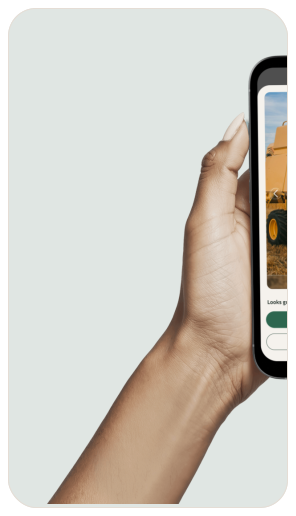
Type any keyword — a part number, a field name, a date, a word from a handwritten note — and Google Cloud Vision OCR returns every matching photo and note across your entire library. Including text visible in photos. Including handwriting on equipment panels and notebook pages.
Edge cases handled: No results shows a helpful empty state with search suggestions. Partial matches are surfaced. Search works offline using the local OCR index. Recent searches are saved. Results can be filtered by folder.
Send what matters. Keep the rest to yourself.
Share a single photo, a folder, or a filtered search result with your agronomist, mechanic, insurance adjuster, or landlord. Recipients get a secure link — no account required. You control what they see, and you can revoke access any time.
Edge cases handled: Links can be set to expire after a chosen date. Shared folders update in real time as you add photos. Revoked links stop working immediately. Recipients without internet get a downloadable PDF fallback. Nothing is ever shared unless you tap Share.

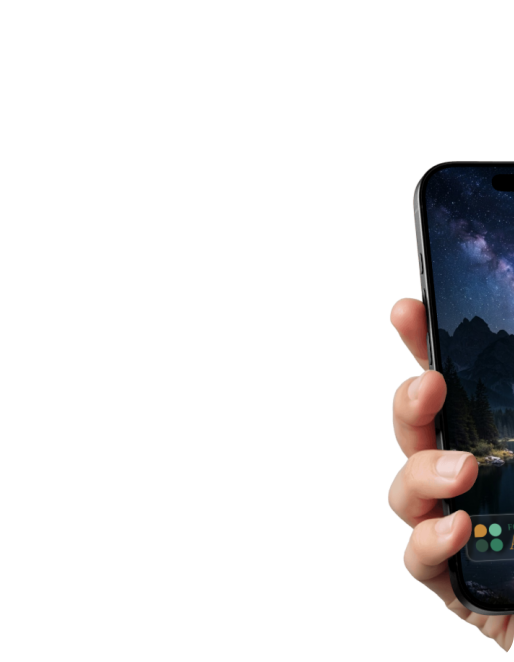
One tap from the lock screen.
Ready to stop losing what you know?
Start Your Free 14-Day TrialNo credit card required. Cancel anytime.